The eSIM Spaza Blog
Destination guides, travel tips, and everything you need to stay connected wherever you go.

7 Essential Tips to Keep Your Phone Safe While Traveling
7 Essential Tips to Keep Your Phone Safe While TravelingYour phone is your map, wallet, camera, translator, and lifeline home — which makes it one of the most important (and most targeted) items you carry while traveling. A lost, stolen, or compromised phone can turn a great trip into a stressful one. Here's how to keep your device, your data, and your connection safe on the road.1. Back Up Before You LeaveBefore you even pack your bags, back up your phone to the cloud or a computer. If something happens to your device, you won't lose your photos, contacts, or important documents. Most phones support automatic cloud backup — make sure it's switched on and up to date before departure.2. Lock It Down with Strong AuthenticationUse a strong PIN, password, or biometric lock (Face ID/fingerprint) — never leave your phone unlocked or with an easy pattern.Enable "Find My Phone" (or equivalent) so you can locate, lock, or wipe your device remotely if it's lost or stolen.Turn on two-factor authentication for important accounts (email, banking, social media) so a stolen phone alone isn't enough to access them.3. Avoid Public Wi-Fi for Sensitive TasksPublic Wi-Fi at airports, cafés, and hotels is convenient — but often unsecured. Avoid logging into banking apps or entering passwords over public networks where possible. If you must use public Wi-Fi:Avoid accessing sensitive accounts (banking, email with personal data).Consider a VPN for an extra layer of encryption.Turn off auto-connect to open Wi-Fi networks in your phone's settings.A better alternative: Use a travel eSIM for mobile data instead of relying on public Wi-Fi. With your own data connection, you avoid shared networks entirely for everyday browsing, maps, and messaging — and it's available the moment you land, without searching for a hotspot.4. Be Aware of Your SurroundingsPhone theft is often opportunistic — a moment of distraction is all it takes. A few habits that help:Keep your phone in a secure, zipped pocket or bag, not in an open back pocket.Avoid walking while using your phone in crowded areas, especially around tourist hotspots and public transport.Be extra cautious when taking photos in busy markets, stations, or nightlife areas.5. Know What to Do If Your Phone Is Lost or StolenHaving a plan ready saves precious time:Lock or wipe remotely using "Find My Phone" or your device's equivalent service.Change passwords for key accounts (email, banking, social media) from another device as soon as possible.Contact your mobile provider to suspend your SIM/eSIM line and prevent unauthorized use.Report it to local police — especially if you'll need a report for insurance claims.6. Keep Essential Info Accessible — But Not On Your Phone AloneStore copies of important documents (passport, ID, travel insurance, emergency contacts) somewhere accessible, even if your phone is unavailable:Cloud storage you can access from any device.A printed copy in your luggage, separate from your phone.A trusted travel companion's device, if traveling with others.7. Stay Connected with a Reliable Data PlanA working data connection isn't just convenient — it's a safety net. With reliable mobile data, you can:Use maps and navigation to avoid getting lost in unfamiliar areas.Contact emergency services, your accommodation, or travel companions immediately if needed.Access ride-hailing apps for safer transport options, especially at night.Use "Find My Phone" features, which rely on a data connection to locate a lost device.This is where an eSIM is genuinely useful for safety, not just convenience — having your own active data plan means you're never stuck relying on spotty public Wi-Fi or an offline phone when it matters most.Final ThoughtsA little preparation goes a long way. Back up your data, lock down your accounts, stay alert in crowded areas, and make sure you have reliable connectivity throughout your trip. These small steps mean that even if something does go wrong, you're ready to respond quickly — and most importantly, you can stay focused on enjoying your trip.Travel Connected, Travel SaferGet an eSIM data plan set up before you fly so you're never without a connection when you need it most. Browse destination plans on eSIM Spaza.
eSIM vs Physical SIM Card: Which Should South African Travelers Use?
eSIM vs Physical SIM Card: Which Should South African Travelers Use?When planning a trip abroad, one of the first questi...

Best eSIM for Thailand: Data Plans, Tips & Setup Guide (2026)
Best eSIM for Thailand: Data Plans, Tips & Setup Guide (2026)Thailand remains one of the most popular destinations f...
Best eSIM for the UK: Data Plans, Prices & Coverage Guide (2026)
Data Plans, Prices & Coverage Guide (2026)Heading to London, Edinburgh, or anywhere else in the United Kingdom? Skip...

FIFA World Cup 2026: How to Get an eSIM for the USA, Canada & Mexico
FIFA World Cup 2026: How to Get an eSIM for the USA, Canada & MexicoThe FIFA World Cup 2026 is set to be the biggest...
How to Set Up an eSIM Before You Travel: Step-by-Step Guide
How to Set Up an eSIM Before You Travel: Step-by-Step GuideIf you've never used an eSIM before, the idea of a "...
7 Essential Tips to Keep Your Phone Safe While Traveling
7 Essential Tips to Keep Your Phone Safe While TravelingYour phone is your map, wallet, camera, translator, and lifeline...

Best eSIM for Dubai & the UAE: Complete Traveler's Guide (2026)
Best eSIM for Dubai & the UAE: Complete Traveler's Guide (2026)Dubai and the wider UAE are top destinations for...

eSIM Spaza Explained: A South African Alternative to Airalo and Other Top eSIM Providers
eSIM Spaza Explained: A South African Alternative to Airalo and Other Top eSIM ProvidersTraveling abroad without worryin...
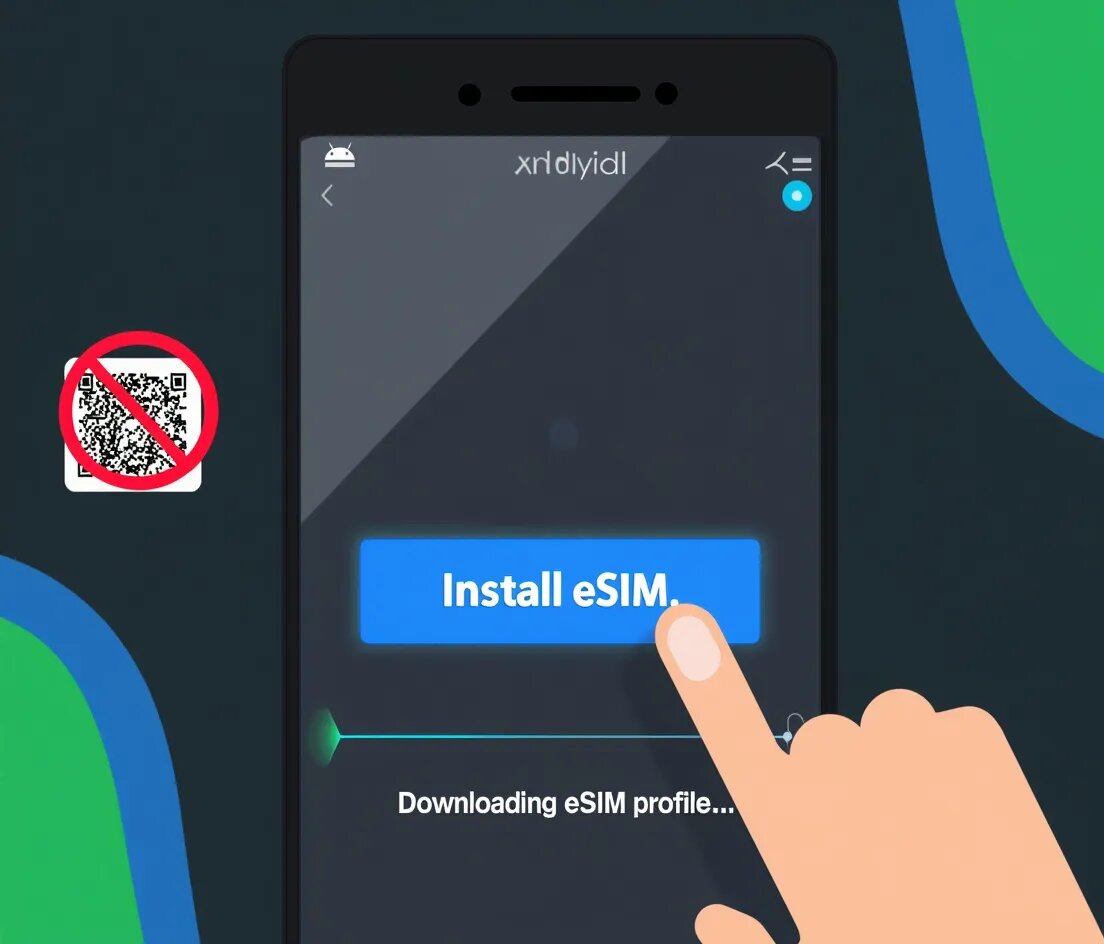
The End of the QR Code: Android Universal Link for eSIM Installation is Finally Here (Jan 2026)
One-Tap Activation, Just Like Apple – How the New GSMA LPA Format Works on Android 10+For years, Apple users have enjoye...