3 Countries. 16 Stadiums. Zero Roaming Stress.
Data on. Roaming off. Stay connected for every kick across the USA, Canada & Mexico — local IPs, no geoblocks, no VPN.
 United States
 Canada
 Mexico
US Plan
Canada Plan
Network
No Geoblocks
Instant delivery
QR code by email, usually within minutes.
Travel-ready
Activate before you fly or when you land.
Secure checkout
Encrypted payments via Stripe. Clear pricing.
Football 2026 eSIMs
3 countries. 48 stadiums. Zero roaming stress.


Up and running in minutes
No SIM tray. No airport queues. Just data, wherever you're going.
-
01
Pick your destination
Choose from 190+ countries — local, regional, or global plans.
-
02
Complete checkout
Pay securely via Stripe in under 2 minutes.
-
03
Scan & connect
Receive QR code by email. Scan in phone settings and go.
What travellers say
Real reviews from verified purchases
Worked perfectly in Japan
Activated instantly after landing. Had 4G the whole trip. Would definitely use eSIM Spaza again.
Sarah M.
Japan eSIM
Super easy setup
Downloaded, scanned the QR code, and was connected in under 2 minutes. Great value for a 10-day trip.
James T.
France eSIM
Worked perfectly
Bought this for a trip to Johannesburg. Setup was straightforward — scanned the QR code and had data instantly. No roaming charges, no hassle. Exactly what I needed.
Mokone Happy
South Africa eSIM
Is my phone compatible?
Most smartphones from 2020 onwards support eSIM — including iPhone XS+, Google Pixel 3+, and Samsung Galaxy S20+. Dual-SIM models let you keep your home number active while using a local data plan.
Frequently asked questions
Go to help centerGetting an eSIM from eSIM Spaza is simple:
- Visit esimspaza.com and browse plans by destination.
- Select the plan that fits your trip and complete your purchase securely.
- Your eSIM QR code and activation details are delivered instantly to your email and available in your account under "My eSIMs".
- Scan the QR code to install the eSIM on your device — no physical SIM required.
The whole process takes just a few minutes from purchase to installation.
Before you begin, confirm your device is eSIM compatible and carrier unlocked, and that you have a stable Wi-Fi connection.
For Samsung Galaxy:
- Go to Settings → Connections → SIM card manager → Add mobile plan.
- Tap "Scan carrier QR code" and scan your eSIM Spaza QR code, or choose "Enter activation code" for manual entry.
For Google Pixel:
- Go to Settings → Network & Internet → tap "+" → Download a SIM instead?
- Scan your QR code or tap "Need help? Enter it manually".
Installation typically completes in about 2 minutes. Ensure your Wi-Fi stays connected throughout.
QR Code Method (recommended):
- Log in to your eSIM Spaza account and open your order to view your QR code.
- On your iPhone, go to Settings → Cellular → Add eSIM → Use QR Code.
- Use a second device or computer to display the QR code, then scan it.
- Follow the prompts: assign a label (e.g. "Travel eSIM"), keep your home line for calls, and set the eSIM as your Cellular Data line.
Manual Entry Method:
- Go to Settings → Cellular → Add eSIM → Enter Details Manually.
- Enter the SM-DP+ Address and Activation Code from your order details.
Installation takes around 2 minutes with a stable Wi-Fi connection.
To check eSIM support on your iPhone:
- Go to Settings → General → About.
- Scroll down and look for "Available SIM" or a "Digital SIM" / "eSIM" entry — if present, your device supports eSIM.
- Alternatively, go to Settings → Cellular → Add eSIM. If this option appears, your device is eSIM capable.
iPhones that support eSIM include the iPhone XS, XR, and all later models. Note that some older models purchased in China mainland may not support eSIM.
Your device also needs to be carrier unlocked. Check via Settings → General → About → Carrier Lock — it should say "No SIM Restrictions".
Your eSIM data package expires based on two conditions — whichever comes first:
- Data runs out — you consume your full data allowance before the validity period ends.
- Validity period ends — the number of days specified in your plan elapses.
Importantly, the validity countdown starts when your eSIM first connects to a supported network at your destination — not at the time of purchase or installation. So you can safely install the eSIM before your trip without the clock starting early.
Need help? We offer 24/7,
multi-language
support
Connect, explore, and more
View magazine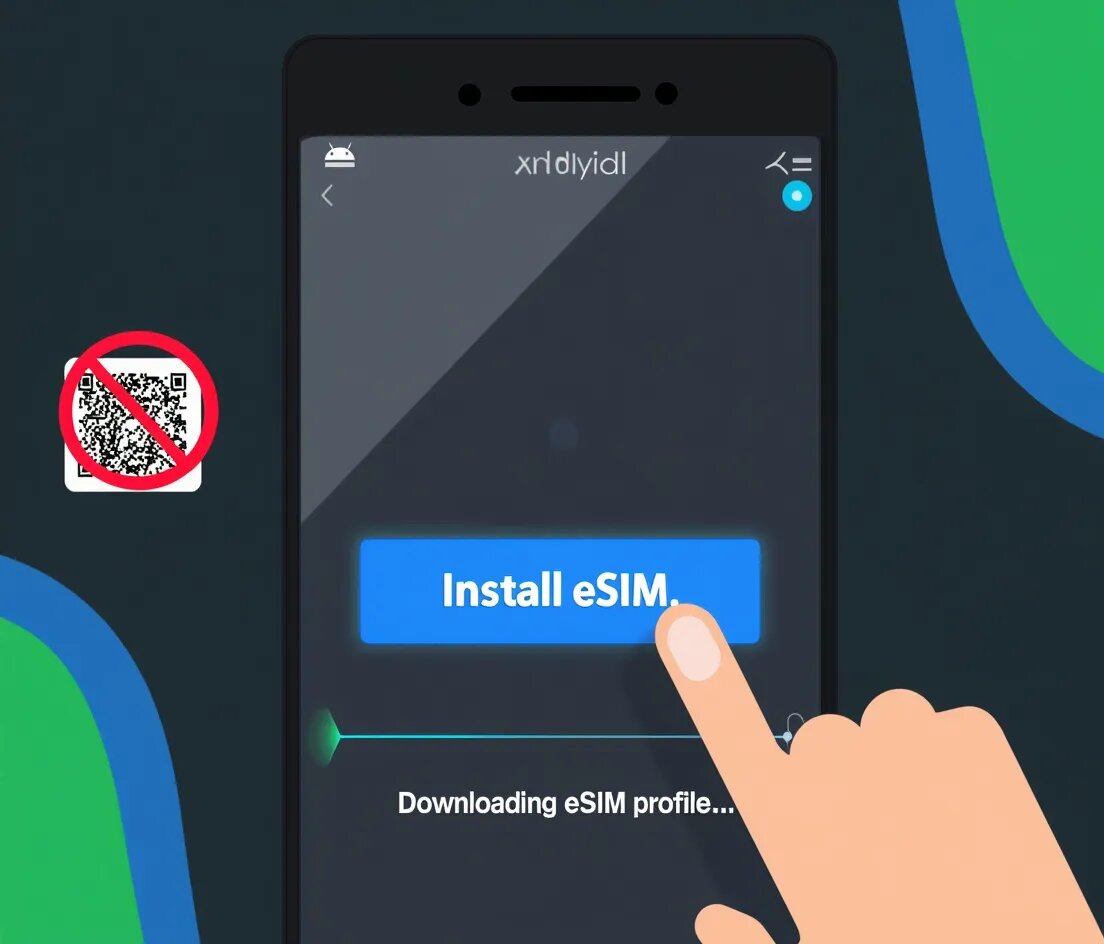
The End of the QR Code: Android Universal Link for eSIM Installation is Finally Here (Jan 2026)
Read article
Ditch the SIM card hunt. Travel smarter with eSIM.
Read article